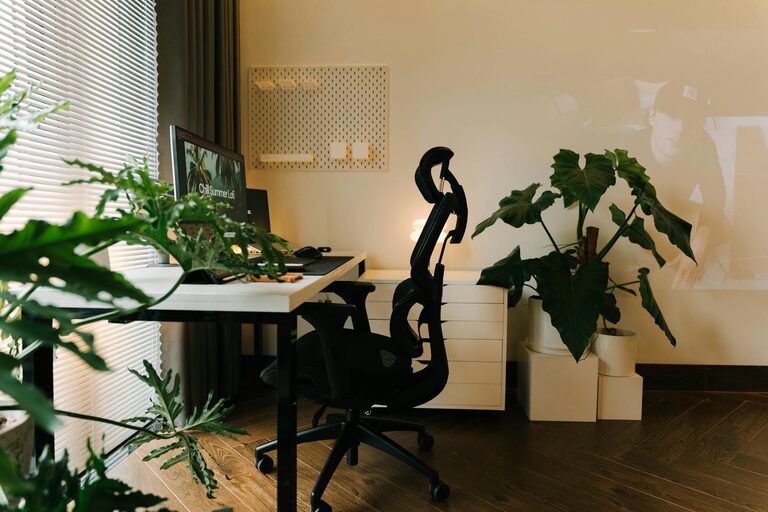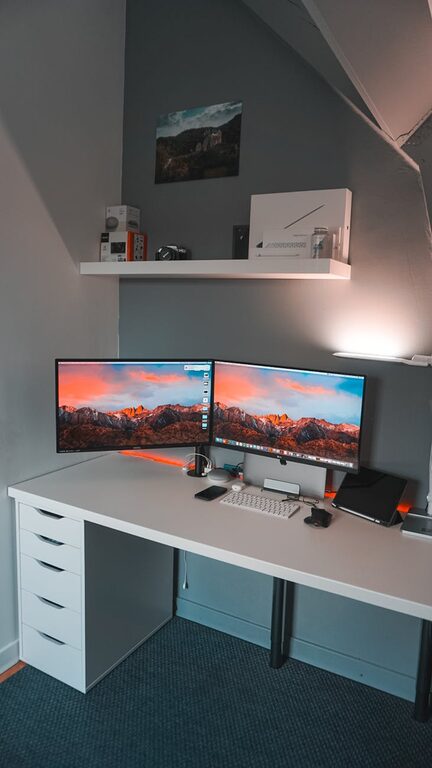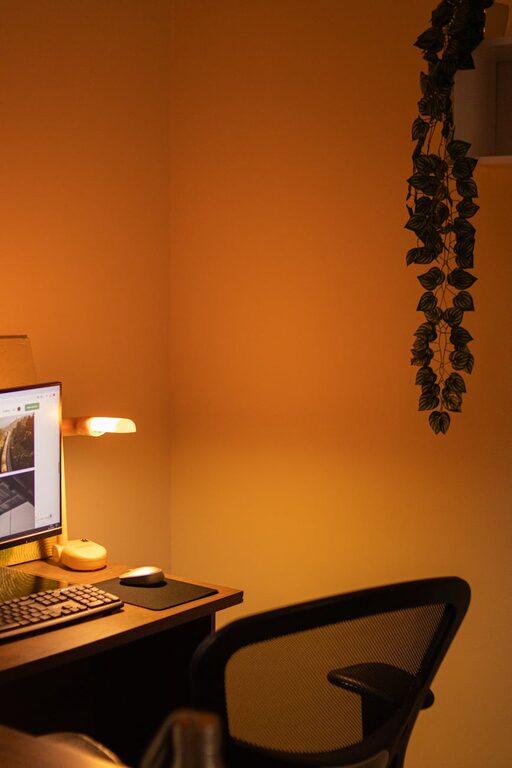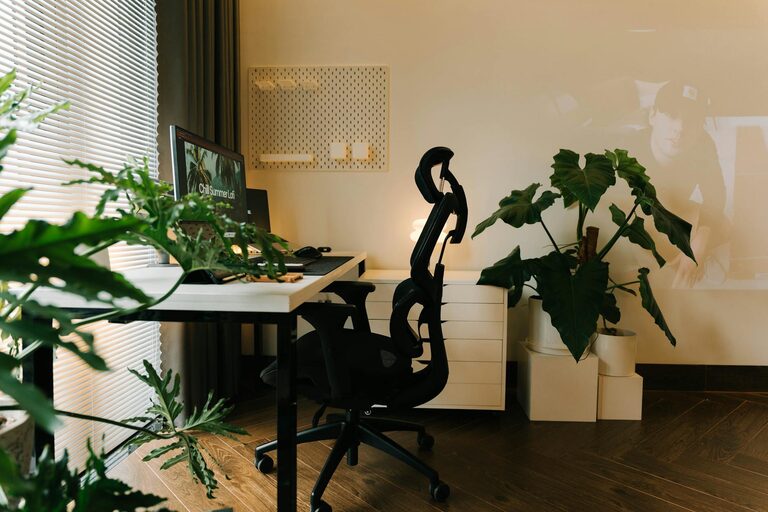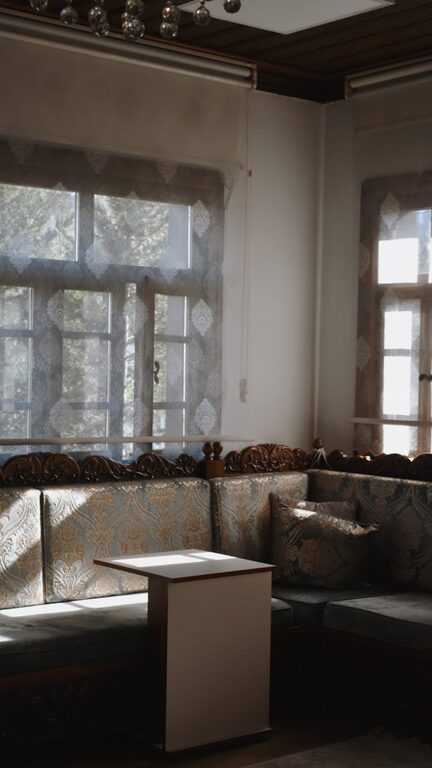
Working from home has become a common experience for many people. While it offers flexibility and convenience, it can also be challenging to stay productive in a space that feels comfortable yet professional. Creating a home office that is both relaxing and efficient helps you maintain focus and reduces stress. Here are some helpful tips to design a workspace that supports your best work.
Choose the Right Location
Your first step is to select a quiet and well-lit area in your home for your office. Ideally, pick a spot that separates your work life from your personal life, even if it’s just a different corner of a room.
– Avoid high-traffic areas to reduce distractions.
– Natural light is beneficial for mood and focus. Position your desk near a window if possible.
– If natural light is limited, invest in good quality artificial lighting with adjustable brightness.
Invest in Comfortable Furniture
Comfort is key to staying productive throughout the day.
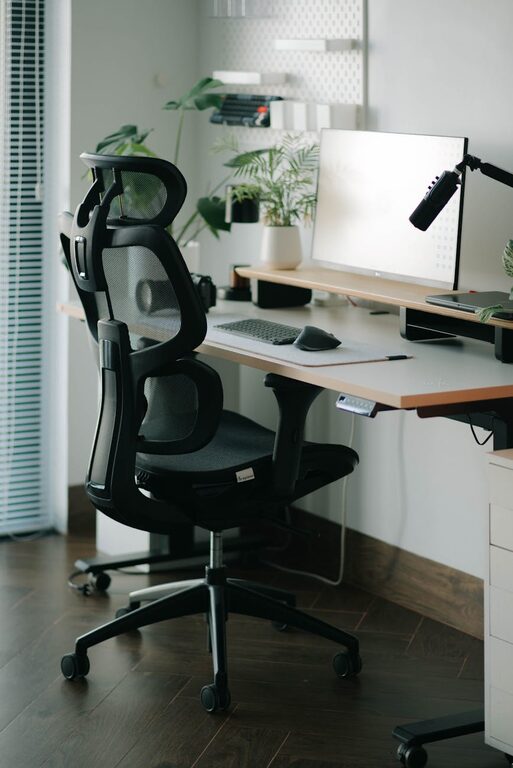
– Choose an ergonomic chair that supports your back and promotes good posture.
– A desk at the right height prevents strain on wrists and shoulders.
– Consider a sit-stand desk or a desk converter to alternate between sitting and standing.
Keep Your Space Organized
An organized office reduces stress and helps you find what you need quickly.
– Use storage solutions such as shelves, drawers, or filing cabinets to keep papers and tools tidy.
– Keep only essential items on your desk to avoid clutter.
– Regularly declutter your space to maintain a calm atmosphere.
Personalize Your Workspace
Adding personal touches can make your office feel welcoming and motivate you.
– Decorate with plants, which improve air quality and add a natural element.
– Hang inspiring artwork or photos that make you feel positive.
– Use colors that help you concentrate — soft blues, greens, and neutrals work well for many people.
Minimize Noise and Distractions
A quiet space helps you focus and stay relaxed.
– Use noise-cancelling headphones or soft background music if you find it helpful.
– Close doors or use room dividers to separate your workspace.
– Inform family members or roommates of your working hours to minimize interruptions.
Optimize Your Technology Setup
Reliable and efficient technology reduces frustration and saves time.
– Ensure your internet connection is stable and fast enough for video calls and online tasks.
– Position monitors at eye level to avoid neck strain.
– Use wireless accessories like keyboards and mice to reduce cable clutter.
– Keep charging stations accessible to maintain device power without mess.
Incorporate Break Areas
Taking regular breaks improves productivity and wellbeing.
– Set up a small area near your workspace for stretching or relaxing.
– Use a comfortable chair or cushion where you can take short mental breaks.
– Consider using a timer or app for scheduled breaks to avoid burnout.
Maintain Good Air Quality and Temperature
Your physical environment affects your comfort and concentration.
– Open windows regularly to allow fresh air circulation.
– Use an air purifier if your indoor air quality is poor.
– Keep your workspace at a comfortable temperature—not too hot or cold.
Develop Work Habits That Support Your Environment
Finally, your habits influence how effective your home office is.
– Set clear working hours to separate work from leisure.
– Dress as if you were going to the office to boost professionalism and mindset.
– Start and end your day with a routine to create a sense of normalcy.
Conclusion
Creating a home office that balances relaxation and productivity is about thoughtful design and good habits. By choosing the right location, investing in comfortable furniture, organizing your space, and managing distractions, you set yourself up for success. Personal touches and care for your environment further enhance your experience. With these tips, you can enjoy a workspace that helps you focus and feel at ease every day.
About the Author