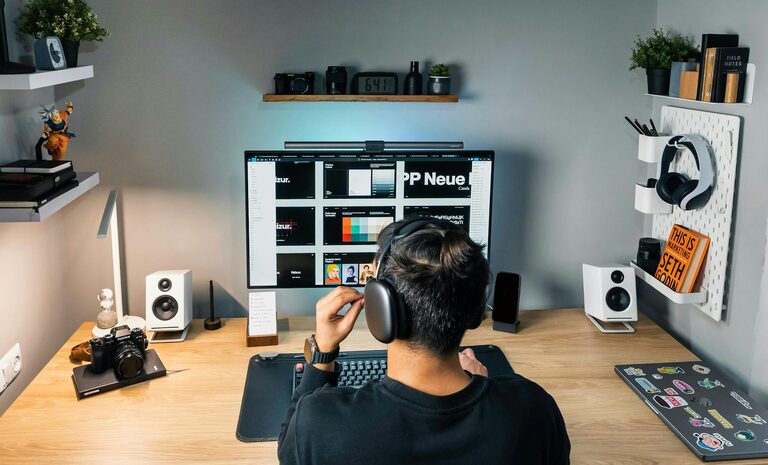
Creating a productive home office environment is essential for anyone who works remotely or spends significant time on tasks at home. A well-organized and thoughtfully designed space can improve focus, reduce distractions, and boost overall work efficiency. In this post, we’ll explore practical tips to help you set up a home office that supports your productivity and well-being.
Choose the Right Location
Selecting the best spot for your home office is the first step. Ideally, pick a quiet area with minimal foot traffic and distractions. If possible, choose a room with a door to separate your work space from the rest of your home.
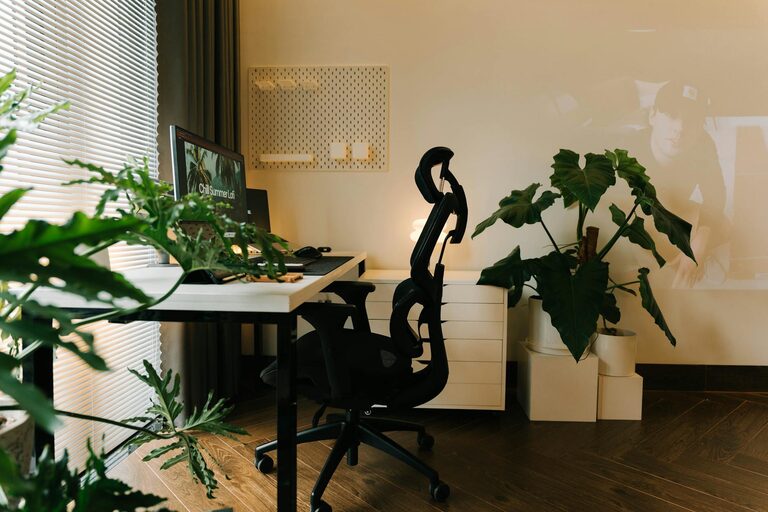
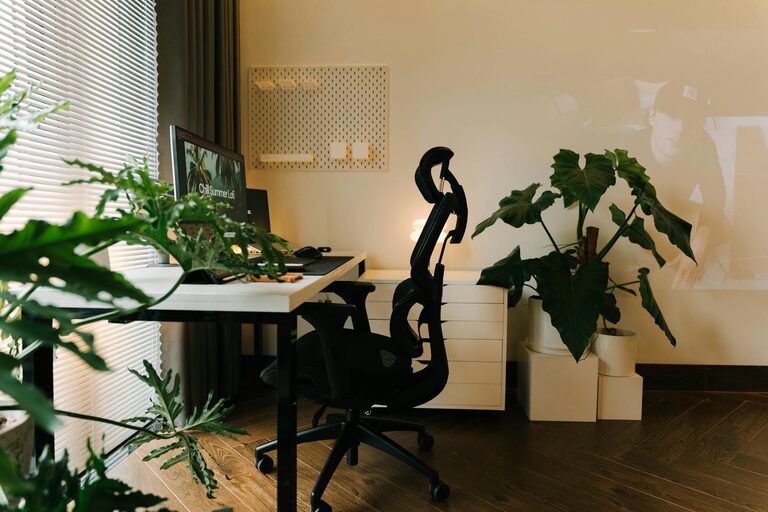
– Natural Light: Position your desk near a window to benefit from natural sunlight. Natural light can enhance mood and reduce eye strain.
– Away from Noise: Avoid placing your office near noisy areas like the kitchen or the living room to maintain concentration.
Invest in Ergonomic Furniture
Comfortable, supportive furniture not only prevents discomfort but also helps maintain good posture, which is vital during long work hours.
– Desk: A desk at the proper height allows your arms to rest comfortably at a 90-degree angle.
– Chair: Choose an ergonomic chair with adjustable height, lumbar support, and armrests.
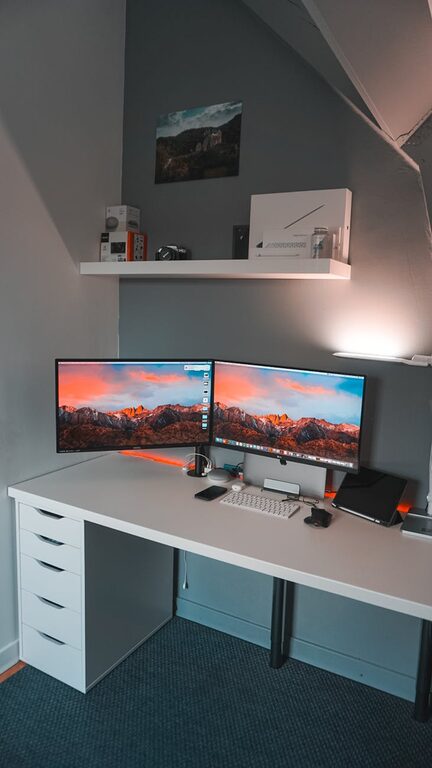
– Monitor Height: Your computer screen should be at eye level to avoid neck strain. Consider monitor stands or adjustable arms.
Organize Your Workspace
A clutter-free desk promotes mental clarity and can make it easier to focus.
– Declutter Regularly: Only keep items necessary for your daily tasks on your desk.
– Storage Solutions: Use shelves, filing cabinets, or desk organizers to store paperwork and office supplies.
– Cable Management: Organize cables with clips or ties to prevent tangling.
Optimize Lighting
Proper lighting reduces eye strain and prevents fatigue.
– Task Lighting: Use a desk lamp with adjustable brightness for focused tasks.
– Ambient Lighting: Make sure the room has sufficient overall lighting to avoid harsh contrasts.
– Reduce Glare: Position screens and lamps to minimize glare on your monitor.
Personalize Your Space
Adding personal touches can make your office inviting and increase your motivation.
– Plants: Indoor plants improve air quality and add a refreshing aesthetic.
– Artwork: Hang pictures or motivational quotes that inspire you.
– Comfort Items: Consider a cozy rug or cushions that enhance comfort.
Establish Boundaries and Routines
Creating clear distinctions between work and leisure helps maintain a healthy work-life balance.
– Set Work Hours: Define specific start and finish times.
– Breaks: Schedule regular short breaks to rest your eyes and stretch.
– Dress Code: Dressing for work can boost professionalism and mindset.
Minimize Distractions
Eliminating interruptions enhances productivity.
– Turn Off Notifications: Silence non-essential phone and computer alerts.
– Dedicated Work Phone: Use a separate work phone or number if possible.
– Communicate with Household Members: Let others know your work schedule to reduce disturbances.
Use Technology Wisely
Leverage tools and apps that support your workflow.
– Productivity Apps: Use calendars, to-do lists, or focus timers.
– Reliable Internet: Ensure your connection supports video calls and file sharing.
– Backup System: Regularly backup important work to the cloud or an external drive.
Maintain Cleanliness
A clean office reduces stress and creates a professional atmosphere.
– Daily Tidying: Spend a few minutes each day organizing your desk.
– Regular Deep Clean: Wipe surfaces and dust equipment weekly.
Keep Healthy Habits
Your workspace should encourage wellness.
– Hydration: Keep a water bottle nearby.
– Movement: Take standing breaks or short walks.
– Eye Care: Practice the 20-20-20 rule (every 20 minutes, look at something 20 feet away for 20 seconds).
—
By implementing these tips, you can create a home office environment tailored to your needs. A space that blends comfort, functionality, and motivation not only helps you stay productive but also makes working from home a more enjoyable experience. Take time to adjust and personalize your setup until it feels just right!
About the Author